Have you ever cranked your headphone volume all the way up only to realise the sound still feels too quiet? It’s a common frustration for music lovers, gamers, and podcast listeners alike. Whether you’re streaming on your phone, watching a movie on your laptop, or playing on your console, low headphone volume can ruin the experience.
The good news is that learning how to make headphones louder doesn’t require expensive equipment or complicated steps. By applying a few of these proven methods, you’ll notice a big difference in your sound without buying new gear.
In this guide, we’ll cover practical and safe solutions to boost headphone sound quality while protecting your ears. By the end, you’ll know exactly how to balance loudness and clarity for the best listening experience, whether you’re enjoying music, movies, or gaming marathons.
How to Make Headphones Louder?
Have you ever maxed out the volume on your device, only to find your headphones still sound too quiet? You’re not alone. Many people face this issue, whether they’re listening to music, watching a movie, or playing games. The good news is, there are practical solutions to make your headphones louder and improve your listening experience.
Let’s break down the possible causes and what you can do about them.
Common Reasons Your Headphones Sound Quiet
- Volume Limits on Devices
Smartphones, laptops, and PCs often have built-in volume caps to protect your hearing. This can make your headphones seem quieter than expected. - Poor Connection
A loose or dirty headphone jack or Bluetooth interference can reduce audio output significantly. - Headphone Design
Not all headphones are made equally. Some have lower sensitivity levels, which means they naturally produce less volume even at maximum settings. - Software or App Restrictions
Certain apps like Spotify, YouTube, or even system-level sound controls can limit maximum volume. - Outdated Drivers or Firmware
If you’re using a computer or wireless headphones, outdated audio drivers or firmware updates might be holding back your sound quality.
Quick Fixes to Make Headphones Louder
If you’re struggling with low volume, here are practical solutions to try:
1. Check and Maximize Device Volume
- Turn the volume all the way up on your device and inside media apps.
- On iOS: Go to Settings > Sounds & Haptics > Headphone Safety and disable Reduce Loud Sounds.
- On Android: Enable Absolute Volume in Developer Options for better control.
- Disable features like “Sound Check” or “Volume Limiter” that may reduce peak audio.
2. Clean the Headphone Jack or Port
Dust and lint can block the proper connection.
- Use a cotton swab or compressed air to clean the headphone jack gently.
- For wireless earbuds, clean the charging contacts and speaker mesh as well.
3. Update Audio Drivers and Firmware
- On PCs/laptops, check for the latest sound drivers via Device Manager.
- For wireless headphones, install firmware updates using the brand’s app (like Sony Headphones Connect or Bose Music).
Keeping your software up to date can instantly fix hidden volume issues.
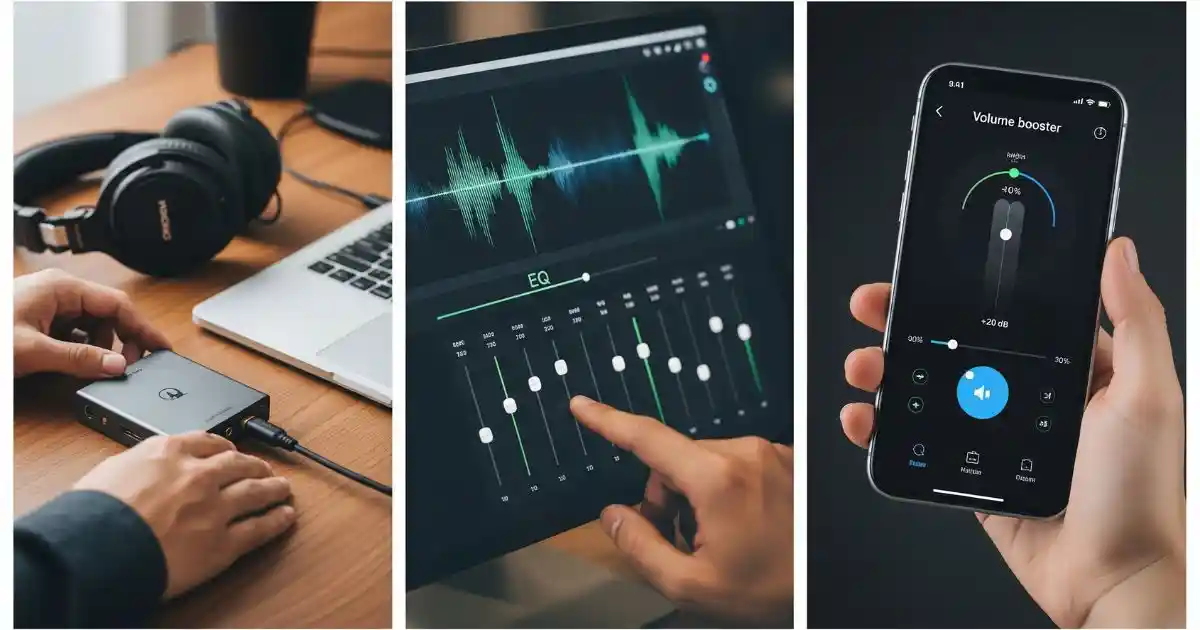
4. Use a Headphone Amplifier or DAC
If your headphones are high impedance (often the case with studio or audiophile models), they may require extra power.
- A portable headphone amplifier boosts volume without distortion.
- A USB DAC (Digital-to-Analogue Converter) improves sound clarity and delivers higher output power.
This is especially helpful for music lovers and gamers who want richer audio.
5. Adjust Equaliser (EQ) Settings
- Increase mid and high frequencies slightly to enhance perceived loudness.
- Many music apps (Spotify, YouTube Music) offer EQ or “Loudness” presets.
- PC users can adjust EQ via sound card software.
Be careful not to push the bass too high, as it may cause distortion.
6. Try Volume Booster Apps (With Caution)
- On Android, apps like Precise Volume or Equaliser FX can help boost sound.
- On iOS, the built-in EQ in Settings > Music > EQ offers presets like “Late Night” that increase loudness.
7. Upgrade to Louder Headphones
If nothing else works, it may be time to invest in a better pair.
- Look for headphones with sensitivity ratings above 100dB/mW.
- Consider wired headphones if you need maximum output—wireless models sometimes cap loudness.
- For everyday use, brands like Sony, Sennheiser, and Audio-Technica offer excellent loudness without distortion.
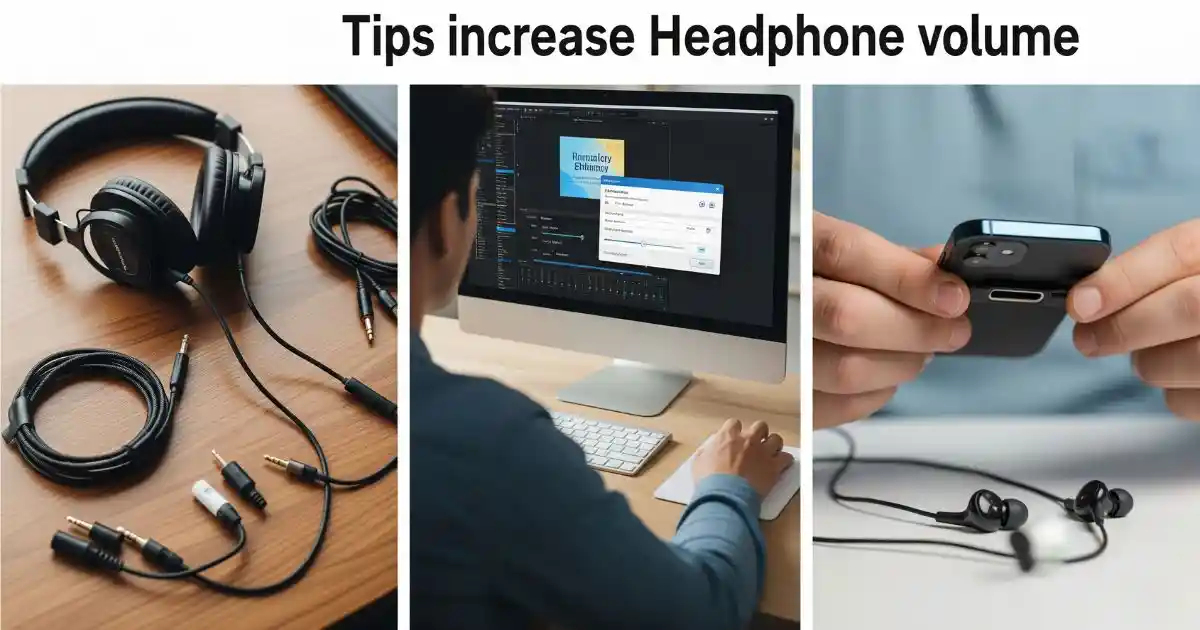
How Can I Make My Headphones Louder? Extra Practical Tips
- Use Wired Headphones: Wired headphones typically deliver louder and clearer sound compared to Bluetooth headphones.
- Use High-Quality Cables: Poor cables or adapters may cause signal loss and lower volume.
- Avoid Audio Compression Apps: Apps that compress audio can reduce overall volume and sound dynamics.
- Check the Media File Quality: Audio with low bitrates will sound quieter and less dynamic.
- Remove Your Phone Case: Some cases can block headphone jacks or buttons, affecting the sound.
What Are the Bassiest Headphones?
If you love feeling the deep thump of bass in your music, then bass-heavy headphones are for you. These models often sound louder than neutral headphones because the lower frequencies (bass) are emphasised, giving your music more punch and energy.
Recommended Models for Strong Bass
What Are the Loudest Headphones?
When you’re searching for the loudest headphones, two main specs matter most:
- High Sensitivity → Look for headphones rated 100dB or higher.
- Low Impedance → Headphones under 32 ohms are easier to power, even from a smartphone.
Examples of Loud Headphones
- Kingston HyperX Cloud Core Gaming Headset
- Best Around-Ear Bluetooth Headphones
When to Consider Buying New Headphones
Even after trying volume fixes, there comes a time when upgrading is the best option. Consider buying new headphones if:
- The volume is still too low, despite all settings being maxed.
- Sound becomes muffled or distorted at higher levels.
- The headphones show physical damage or worn-out drivers.
- You want a model designed for higher output and better sound quality.
FAQs
Q1: Can I make my headphones louder without damaging them?
Yes! Use EQ adjustments, amplifiers, and keep your gear clean. Avoid extreme boosting.
Q2: Are louder headphones always better?
Not really. Loudness matters, but comfort, clarity, and sound balance are just as important.
Q3: What’s the difference between loud and bassy headphones?
- Loud headphones → Focus on overall volume output.
- Bassy headphones → Emphasize low frequencies, which can feel louder even at the same volume.
Q4: Can I use volume booster apps safely?
Yes, but only if you avoid pushing volume to extremes. Overuse may cause distortion or hearing damage.
Q5: How can I protect my hearing while listening loudly?
Follow the 60/60 rule: 60% volume for 60 minutes, then take a break. Using noise-cancelling headphones also helps reduce the need for high volume.
Conclusion
Getting the most out of your headphones isn’t just about cranking up the volume’s about finding the right balance between loudness, clarity, and comfort. By adjusting device settings, cleaning ports, updating software, or investing in amplifiers and EQ tweaks, you can make your headphones louder without risking damage.
Leave a Reply